



Plan the whole day in minutes.
Sundial drafts it around your ceremony. You move the rest.
Demo wedding. No signup needed.
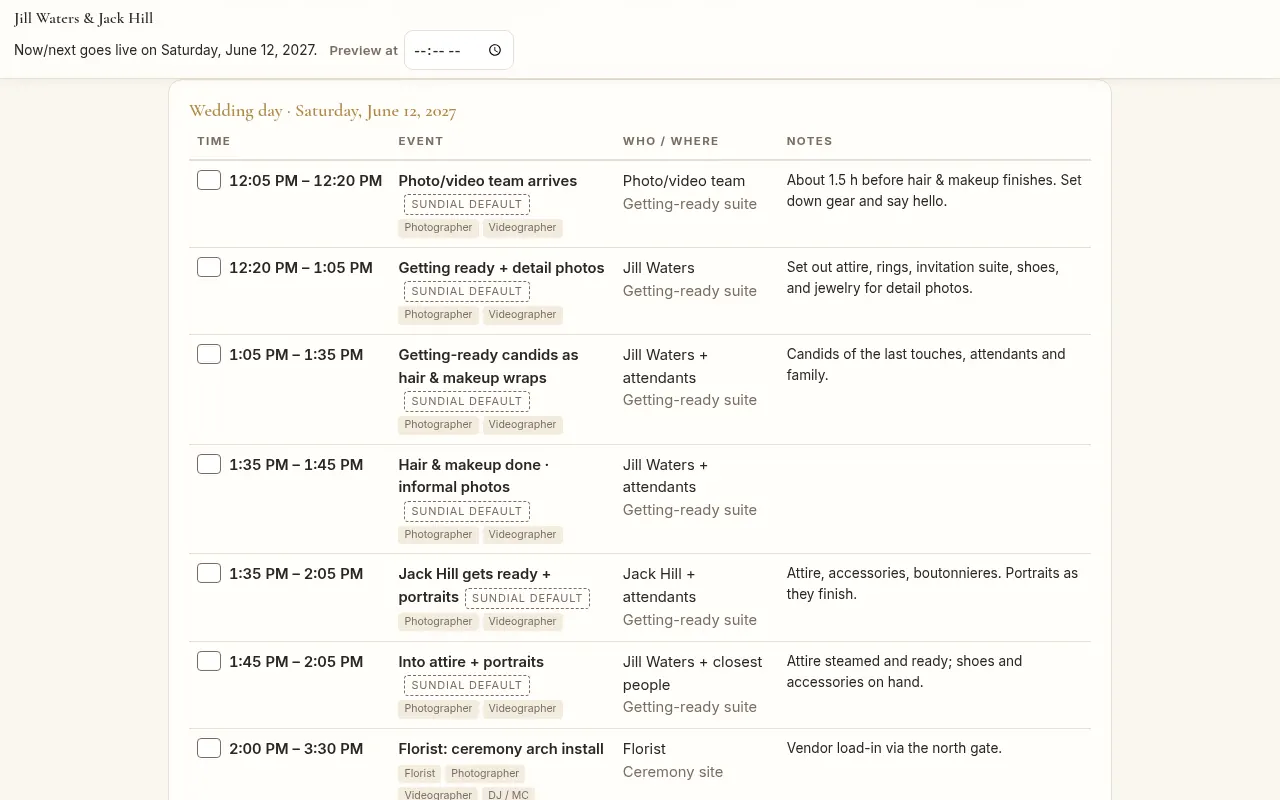
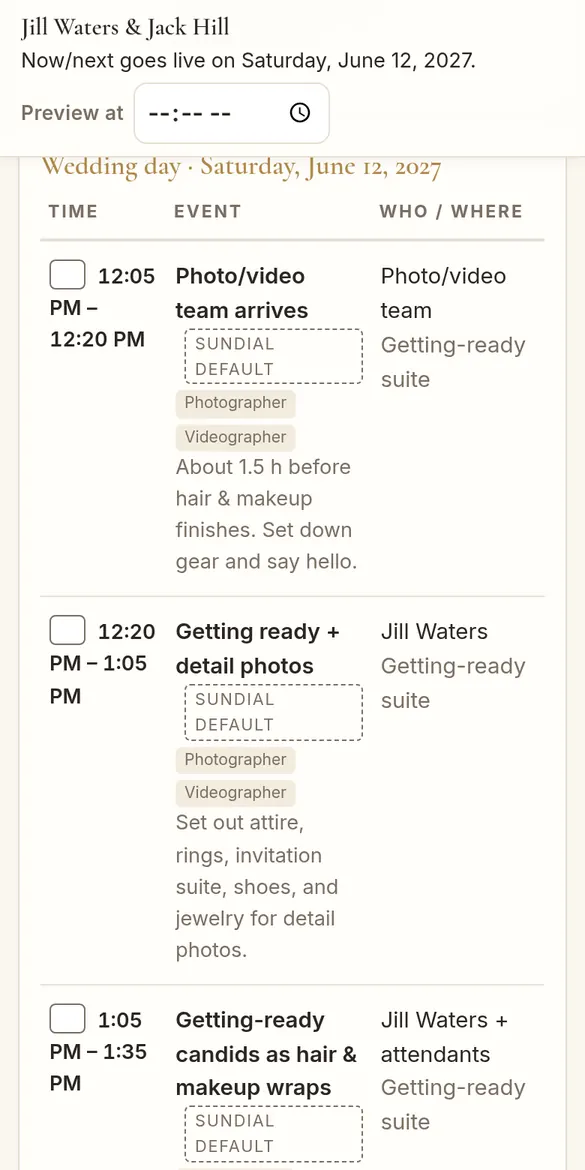
One schedule, three ways to read it
Screens from the real app, shown with a fictional wedding: Jill & Jack at Bramblewick Hall.
Easy by default
Sundial builds the day for you.
- Drafted for youAnswer a few questions. Get a real, ready day.
Learn more
Sundial uses your wedding type, traditions, ceremony time and sunset. Golden hour is planned in, with realistic block times, like 30 minutes for family photos.
- Your ceremony stays putMove the rest. The ceremony won’t budge.
Learn more
Your ceremony and the venue’s end time stay fixed unless you change them.
- One-tap suggestionsThe Timeline Check finds problems. Fix them in one click.
Learn more
It flags blocks that run too short or too long, and vendor coverage that doesn’t fit the schedule.
- Sunny writes the wordsOur AI helper writes clear wording for your day.
Learn more
Sunny drafts the wording for your drafted day. It never moves your ceremony.
- One live Day SheetEvery vendor sees the latest times.
Learn more
Everyone reads the same timeline. It updates the moment you change a time.
- QR signs, ready to printGuests and vendors scan to open their page.
Learn more
Signs for the guest page, the Day Sheet and vendor check-in, as a 5x7 card or an 8.5x11 poster.
- See who’s arrivedVendors scan in. You see it live.
Learn more
Turn on browser notifications or email alerts if you want them.
Customize everything
For pros who want every detail just right.
- Drag, edit or add anythingEvery block is yours to change.
Learn more
Drag to rearrange, with undo. Arrow buttons work too. Add, rename or remove any block.
- Coverage your wayHours, exact times or a package per vendor.
Learn more
Sundial suggests a coverage window around your ceremony. Change it any time.
- Vendor-only blocks and notesShow a block or a note to just one vendor.
Learn more
Pick who sees it, like only the photographer, and whether it also shows on the full timeline.
- Pick what guests seeChoose which moments go on the guest page.
Learn more
Mark any block for the guest page or as a key time. Crew notes stay off the guest page.
- Filter by roleSee just one part of the day.
- Three styles, plus downloadsPlanner doc, Day Sheet or Simple list.
Learn more
Download the Planner doc as a PDF or Word file. Pick a look for the Day Sheet, guest page and QR signs.
- Photo & video checklistFamily groups and must-have shots.
Learn more
Add special requests, then check them off as the day goes.
- Coming soonAsk Sunny anythingChat with Sunny while you edit.
Learn more
Ask how long a block should take, or what to do if the day runs late.
Every kind of wedding, drafted for you.
Tap a style to preview it.
How it works
- 1. Draft the dayAnswer a few questions. Move anything you like.
- 2. Share one live Day SheetVendors scan a QR code for the latest times.
- 3. Give guests their own pageKey times, the menu and games. No crew notes.
Start with a drafted day
Pick a plan, answer three quick questions, and make it your own.
Start your timeline